
Most people think ChatGPT is just for writing essays or answering random questions. But if you’re running a Facebook page, business, or ad campaign, it’s one of the most powerful tools you’re not using yet. You can save hours, boost engagement, and even cut your ad spend by using it right. This isn’t theory. Real businesses in Perth, Sydney, and small towns across Australia are using ChatGPT to manage their Facebook pages with less stress and better results.
Write Better Posts Without Staring at a Blank Screen
How many times have you opened Facebook Creator Studio, stared at a blank text box, and closed it again? You know what you want to say-but the words won’t come. ChatGPT fixes that.
Instead of asking, “Write me a Facebook post,” try this: “Write a friendly, casual Facebook post for a local bakery in Perth promoting their new sourdough loaf, targeting parents aged 30-45. Include a call to action to tag a friend who loves bread.”
That’s the difference between a vague request and a clear one. The more specific you are, the better the output. You’ll get posts that sound human-not robotic. Try variations: one playful, one urgent, one nostalgic. Pick the one that fits your brand voice.
Pro tip: Copy the draft, paste it into a notes app, and read it out loud. If it sounds like something you’d actually say to a friend, it’s ready to post.
Turn Customer Comments Into Responses in Seconds
Every comment on your Facebook page is a chance to build trust. But replying to 50+ comments a day? Exhausting. ChatGPT helps you scale without sounding like a bot.
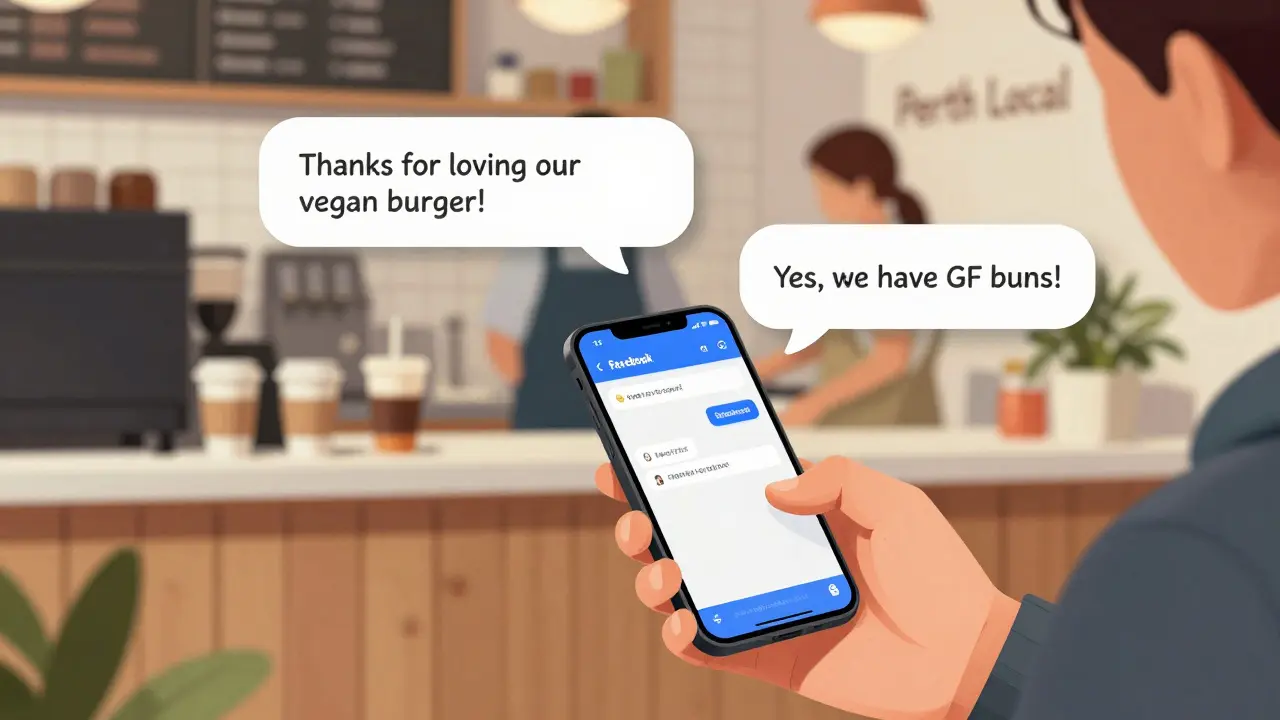
Take a comment like: “I ordered the vegan burger and it was amazing! Do you have gluten-free options?”
Feed this to ChatGPT: “Write a warm, friendly reply to a customer who loved our vegan burger and asked if we have gluten-free options. Mention we have GF buns and a separate grill. Add a thank you and invite them to visit again.”
It gives you a reply in 3 seconds. You tweak one word-maybe change “visit again” to “come back next week”-and hit post. No more copy-pasting templates. No more forgetting to thank people.
Use this for complaints too. “Customer says our delivery was late. Write a sincere apology that takes responsibility, offers a 20% discount on next order, and asks for another chance.” That’s not just fast-it’s human.
Generate Content Ideas That Actually Get Shares
People scroll past generic posts. But “Behind the Scenes at Our Perth Bakery” or “What Our Customers Say About Our Coffee” gets likes, tags, and shares.
Ask ChatGPT: “Give me 10 Facebook post ideas for a small business in Perth that sells handmade soap. Focus on customer stories, ingredients, and local pride.”
You’ll get things like:
- “This week, Maria from Subiaco told us our lavender soap helped her sleep after her baby was born. We made that batch with organic lavender from the Swan Valley.”
- “We use coconut oil from a farm 20km away. Here’s what that looks like.” (Add a photo of the farm.)
- “Our best-selling citrus soap? It’s the one we made after a customer said their eczema improved. No chemicals. Just soap.”
These aren’t sales pitches. They’re stories. And stories get shared. Use these as a starting point. Add photos. Tag local suppliers. Ask people to share their own stories in the comments.
Run Better Facebook Ads With AI
Facebook ad copy is hard. You need to grab attention in 3 seconds, speak to pain points, and sound like a real person-not a corporate brochure.
Try this prompt: “Write 5 Facebook ad headlines and 3 ad descriptions for a Perth-based personal trainer offering 30-minute home workouts for busy mums. Focus on time, energy, and no gym required. Use casual language.”
ChatGPT gives you lines like:
- “No time for the gym? Neither do we. That’s why we do 30-minute workouts at your kitchen table.”
- “Tired of feeling drained? We help mums get energy back-without spending hours at the gym.”
Test 3 versions. Run them for 48 hours. See which one gets the most clicks. Then double down on that tone.
ChatGPT can also help you write lookalike audience descriptions: “Describe the ideal customer for a Perth pet groomer who offers mobile service. Include age, location, income level, and behavior.” You’ll get details like: “Women 35-55, live in suburban Perth, own one or two dogs, book appointments online, follow local pet influencers.” That’s gold for targeting.
Automate Your Content Calendar
You don’t need to post every day. But you do need to post consistently. That’s where a content calendar saves you.
Ask ChatGPT: “Create a 4-week Facebook content calendar for a Perth yoga studio. Include 3 posts per week: 1 motivational quote, 1 client testimonial, 1 behind-the-scenes video idea. Make it seasonal-December is hot here.”
It gives you:
- Dec 2: “Hot yoga in Perth? Yes, and it’s cooler than you think. Here’s why.” (Video idea: instructor wiping sweat in studio with AC on full blast.)
- Dec 5: “‘I came here with back pain. Left with a new routine-and a friend.’ - Lisa, 42”
- Dec 8: “Your morning stretch routine (even if you’re late).”
Now you’ve got a plan. You don’t need to think every Monday. Just plug in your photos, hit schedule, and move on.
Respond to Trends Fast-Before They’re Over
When a local event, meme, or holiday trends on Facebook, you want to jump in. But by the time you write something, it’s already dead.
ChatGPT lets you react in minutes. Example: “It’s National Coffee Day. Write a funny, local Perth-style Facebook post for a café. Mention the heat, the commute, and how we’re the only place open before 7am.”
You get: “7am. Your coffee’s cold. Your boss is yelling. Your car’s stuck in traffic. And you’re 10 minutes late. We’re open. We’ve got hot coffee. And we don’t judge.”
Post it. Tag your location. Add a photo of your barista holding a coffee with a ‘7am hero’ sticker. Boom. You’re trending locally.
What Not to Do With ChatGPT on Facebook
It’s powerful-but not magic. Here’s where people mess up:
- Don’t copy-paste without editing. ChatGPT sometimes uses phrases like “in today’s fast-paced world.” That’s not you. Change it.
- Don’t use it for fake reviews. Never generate fake testimonials. It’s unethical and Facebook will remove your page.
- Don’t ignore the comments. ChatGPT helps you reply faster-but you still need to be present. People notice when you’re not real.
- Don’t post the same thing every day. Use ChatGPT to vary your tone. Mix humor, heart, and helpfulness.
The goal isn’t to replace your voice. It’s to give you more time to use it.

Real Results From Real Pages
A Perth-based florist started using ChatGPT for Facebook in August 2025. Before: 3-5 posts a week. Engagement: 20-40 likes. After: 5 posts a week, all using AI-generated drafts. Engagement jumped to 120-180 likes. Comments went up 300%. Why? Because they posted more, and the posts felt personal.
A local mechanic in Fremantle used ChatGPT to turn customer repair stories into posts. “Customer came in with a broken alternator. We fixed it in 2 hours. He said, ‘I thought I’d need a new car.’ We said, ‘Nah. Just a $120 part.’” That post got 1,200 views and 87 shares. Three new customers came in that week.
It’s not about the AI. It’s about using it to do the boring stuff faster-so you can focus on what matters: your customers.
Start Small. Just One Post.
You don’t need to overhaul your whole strategy. Start with one post tomorrow. Use ChatGPT to write it. Then post it. See how people respond.
Next week, try replying to 3 comments with AI help. Then build a content calendar for next month.
ChatGPT won’t replace you. But someone who uses it well? They’ll outpace you.
Can ChatGPT write Facebook ads for me?
Yes, but it works best when you give it clear direction. Tell it your audience, your goal (sales, sign-ups, awareness), and your brand voice. It can generate headlines, descriptions, and even ad variations to test. Always review and tweak before posting-AI doesn’t know your local customers like you do.
Is it okay to use ChatGPT for customer replies?
Absolutely-if you edit it. Use it to draft replies quickly, especially for common questions. But always add a personal touch: a name, a local reference, or a smiley. People can tell when a reply feels robotic. Your goal is to sound helpful, not automated.
Does Facebook ban pages that use AI?
No, Facebook doesn’t ban pages for using AI. But they do penalize fake reviews, spammy comments, and misleading content-whether written by humans or AI. Never use ChatGPT to create fake testimonials or impersonate customers. Be honest. Be helpful. That’s what keeps your page safe.
How often should I post on Facebook when using ChatGPT?
Quality over quantity. Three well-crafted posts a week beat seven rushed ones. ChatGPT helps you plan ahead, so you’re not scrambling. Try a mix: one story, one tip, one question to spark comments. Post when your audience is online-usually evenings or weekends in Australia.
Can ChatGPT help me grow my Facebook page?
Not directly. But it helps you create content that grows your page. Great posts get shared. Good replies build trust. Consistent posting keeps you visible. Use ChatGPT to make all of that easier. Growth comes from real engagement-not just AI-generated text.
Next Steps: Try This Today
Open ChatGPT. Type: “Write me a Facebook post for a local business in Perth. Make it friendly, casual, and about something small but meaningful.” Hit enter. Copy the result. Post it. See what happens.
That’s it. No big launch. No complex setup. Just one post. That’s how you start.